
/
Product Release
PDF Redaction is now open source

Anthony Stirling
CTO, Stirling
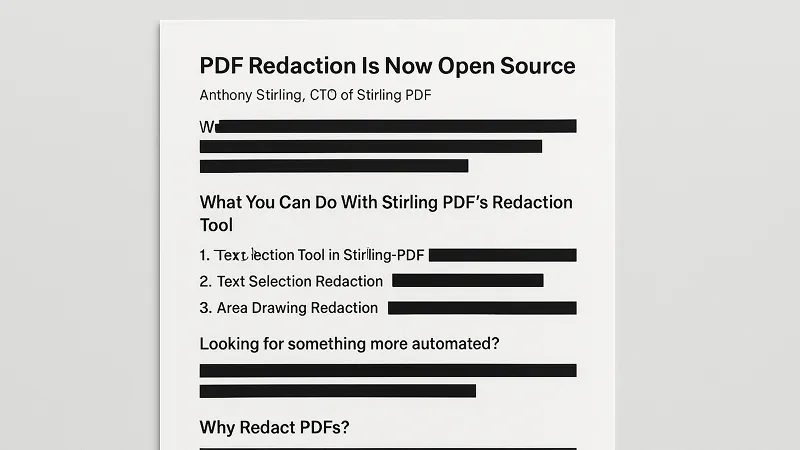
We're pleased to share that Stirling PDF’s Redaction Tool is officially open source as of version 0.17.0! Now, everyone can easily protect sensitive PDF data.
What You Can Do With Stirling PDF's Redaction Tool
The Redaction Tool in Stirling PDF allows users to conceal sensitive information in their PDF documents. This works by placing 'boxes' over the content to represent it being 'blacked out'. Stirling PDF offers this functionality via three methods:
Text Selection Redaction
Highlight and precisely redact specific words, sentences, or entire paragraphs quickly and easily. This method is ideal for scenarios like removing names, addresses, or confidential clauses.
Area Drawing Redaction
Redact custom-shaped areas to hide sensitive tables, images, or irregular content.
Page Redaction
Instantly redact entire pages, perfect for bulk operations.
Looking for something more automated?
For larger tasks or repetitive redactions, our existing 'Auto Redaction' tool can help:
Search and redact multiple instances across your PDFs
Use Regular Expressions (Regex) to instantly find and redact sensitive patterns
Why Redact PDFs?
In today’s digital world, safeguarding sensitive information isn’t just important, it’s critical. Whether you’re handling confidential business contracts, legal documents, or personal records, redaction ensures your private data remains private. Common use cases include:
Legal and Compliance: Removing client details in legal documents.
Business Confidentiality: Hiding sensitive information in shared personal records.
Personal Privacy: Safeguarding proprietary or sensitive business information.
With Stirling PDF’s Redaction Tool, confidently share documents knowing your private data remains secure.
Ready to protect your PDFs? Download Stirling PDF v0.17.0 and get started or read the docs for more. If you want to try it out first, check out the demo in your browser.


Newsletter
Stay in the loop
Get product releases and open-source news in your inbox.